Private by design
Your photos never leave your device. Not for a second, not for “processing”. Open your browser's network tab and see for yourself.
100% private — the AI runs in your browser
Take any selfie, remove the background and put a clean colour behind you, cropped square for LinkedIn, your CV or your socials. Your photo never leaves your phone.
Drop images here · or paste with Ctrl V · JPG, PNG, WebP · up to 16 MP (12 on phones) · several at once
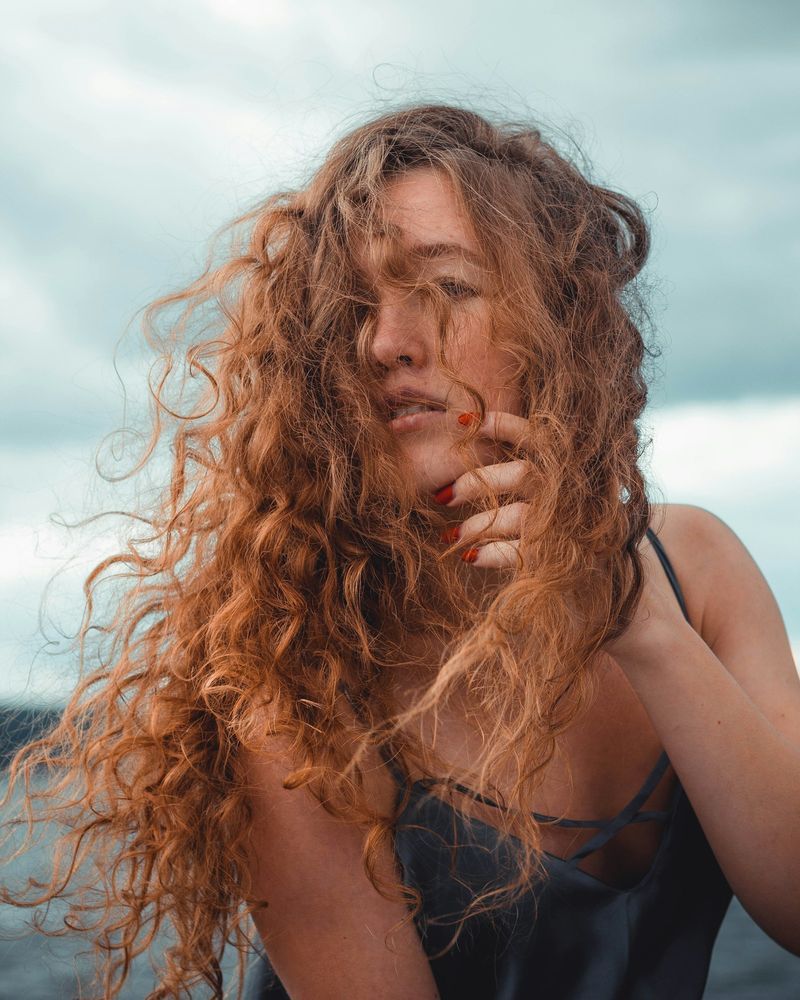
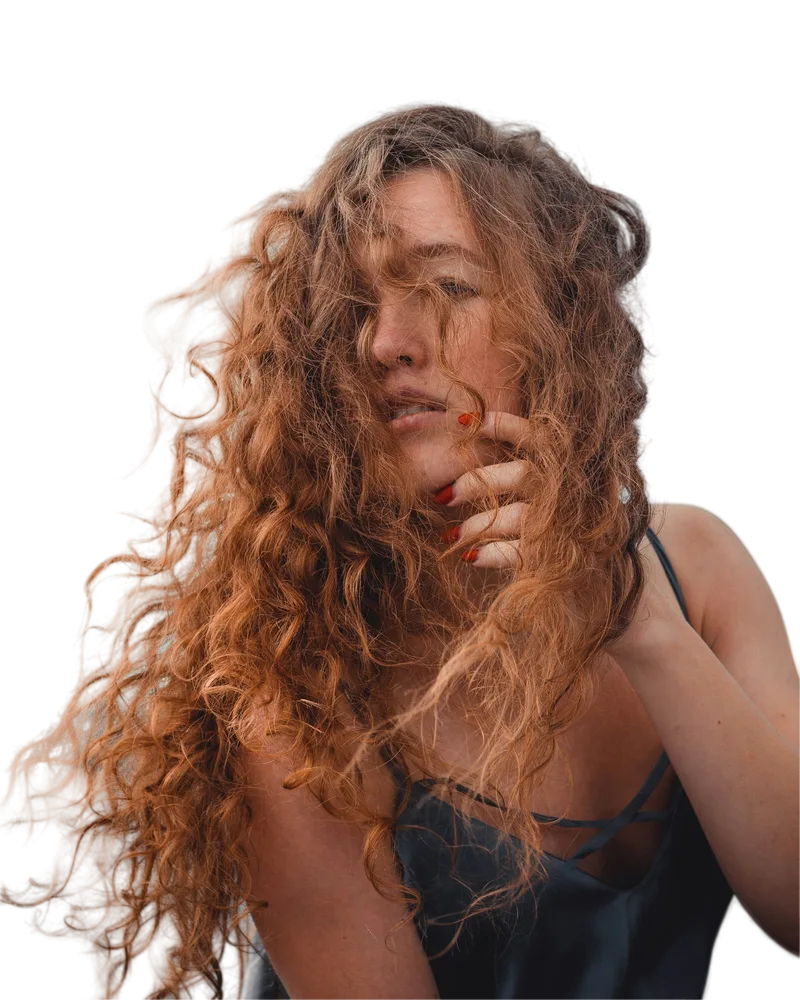
A clean, even background makes a profile photo look professional. This page cuts you out, places you on a soft neutral colour and sets a square crop. Try other colours from your own photo or a subtle gradient.
Because it runs on your device, nobody else sees your photo: useful for CV and ID-style pictures.
Related: LinkedIn profile picture · ID photo white background · Resume photo
How it works
Drag, paste or snap one with your phone. Add as many as you like.
A state-of-the-art model finds the subject, hair and fur included. Nothing is sent to any server.
Change the background, add a shadow or sticker outline, pick a size and download at full resolution.
Features
Your photos never leave your device. Not for a second, not for “processing”. Open your browser's network tab and see for yourself.
Get the same size as your original, up to 16 MP (12 on phones). No blurry “free preview”.
Edge refinement and color decontamination remove halos for clean, natural cut-outs.
Fix any detail by hand, with undo and redo.
Transparent, solid colors, gradients, blur or your own photo.
Instagram, Stories, marketplace white 2000×2000 and WhatsApp stickers in one tap.
Drop 20 photos: each keeps its own settings, or apply one style to all, then download them together in a ZIP.
The AI is saved in your browser, so next time it starts in a second.
Why bgnix
Competitors' free download sizes measured in November 2026, without an account: remove.bg 500×500 px, Pixelcut 673×1080 px.
FAQ
Soft neutral tones (light grey, off-white, light blue) work best. Pick one in the Background tab.
Yes. Download the square version as JPG for CVs and job portals.
No. The AI runs in your browser and the photo stays on your device.
The same as your photo, up to 16 megapixels on a computer and 12 on a phone (larger photos are scaled down so they fit in the browser's memory). On a computer you get the full resolution by default; on a phone the default is “For web” (2048 px, a much lighter file), and one tap on the size next to the download button switches to “Full”.
Yes, on recent iPhones and Android phones. Phones without WebGPU use a lighter fast mode that works best with people.
Of course — the images are yours. Use them in your store, ads or designs.
Only the first time — next time it's instant. Your photo stays on your device.
Drop to remove the background